Have questions about Peoplo, our modules, hardware requirements or billing? Find quick, direct answers below.
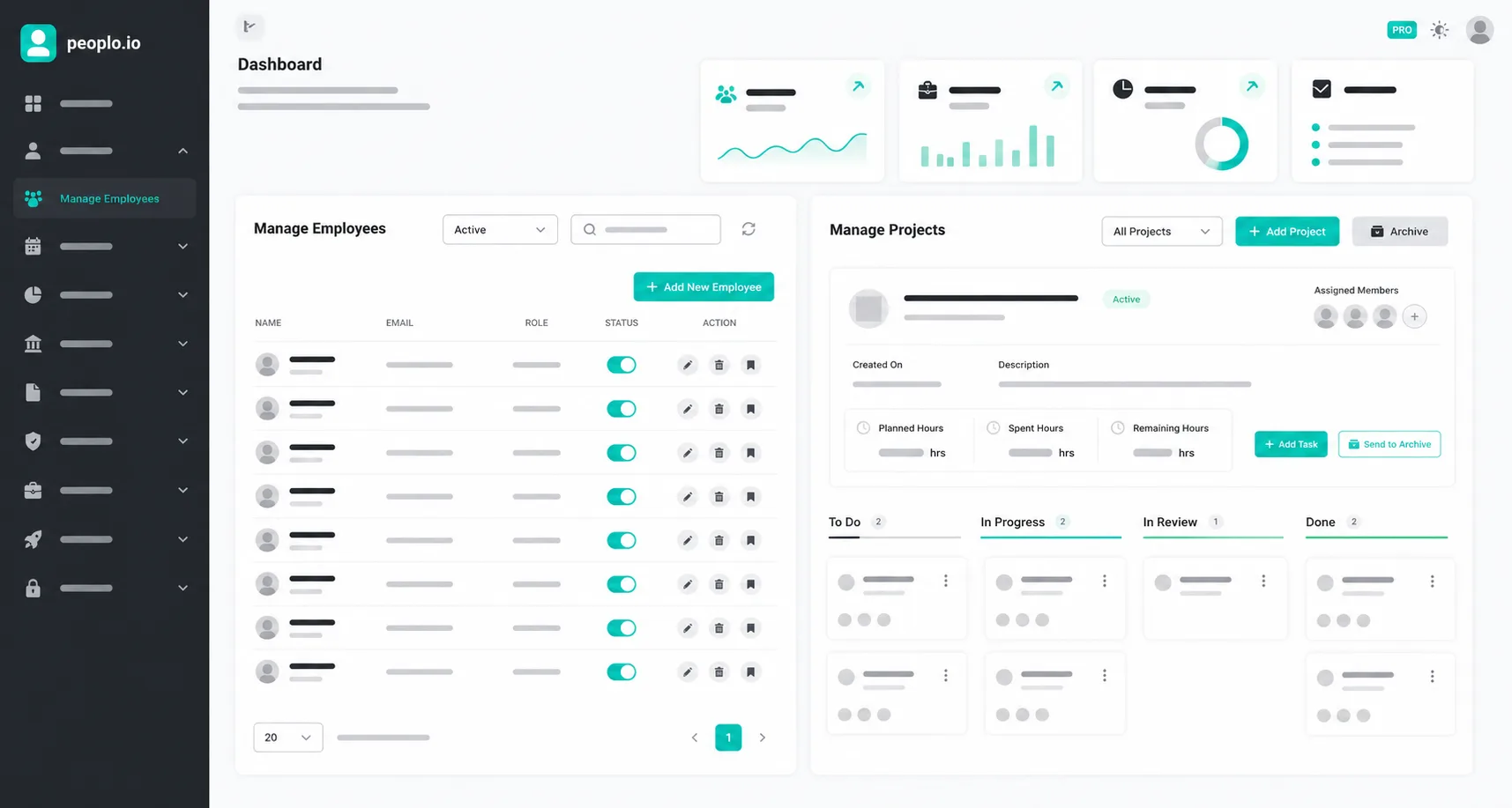
Peoplo is an all-in-one workforce management platform designed to eliminate multi-app bloat. It combines a free core HR system with optional modules for touchless face-recognition attendance (Lens), automated time tracking (Tracker), and encrypted remote desktop access (Connect).
Most teams are up and running in under 10 minutes - create a workspace, invite your team by email, and turn on the modules you need.
Yes - Peoplo Tracker, Connect and Lens are all built specifically for distributed and hybrid teams.
Data is encrypted in transit and at rest, with role-based access controls throughout the platform. See our Privacy Policy for full details.
Yes - employee management, leave, payroll and reports are free with no seat limits, no trial period, and no credit card required.
Employees can request leave and view their history from their dashboard, while admins get an approval workflow and full attendance records in one place.
Peoplo Lens is face-recognition attendance that works with any standard camera-equipped device - a phone, tablet or webcam. No dedicated biometric hardware is required.
Each employee is registered with a reference photo, and the system matches faces at check-in with high accuracy under normal lighting conditions.
Tracker automatically captures work sessions, time and screenshots - no manual timesheets needed.
No - screenshots and activity are only captured while a tracking session is actively running. Stopping the tracker stops all capture immediately.
Connect gives your IT team secure remote access to troubleshoot and support employee devices from anywhere, without a separate remote-access subscription.
No - remote sessions require the employee device to accept the connection, and all access is controlled through role-based permissions and logged for audit purposes.
The first 20 businesses to sign up get full access to every add-on - Lens, Tracker and Connect - free for one year, with no credit card required. The free HRM core stays free forever regardless.
Our team can walk you through Peoplo, demonstrate live features, or help onboard your team.
 peoplo.io