 peoplo.io
Welcome back
Streamline your workforce. Empower your team.
HR insights
Project tracking
Workforce analytics
Sign in
Enter your email and we'll send you a one-time code - no password to remember.
Peoplo Tracker automatically captures work sessions, screenshots and project hours. No timesheets to fill, no trust issues - just clear productivity data.
Track time across multiple projects with live monitoring, automatic screenshots and detailed analytics. Never lose track of billable hours again.
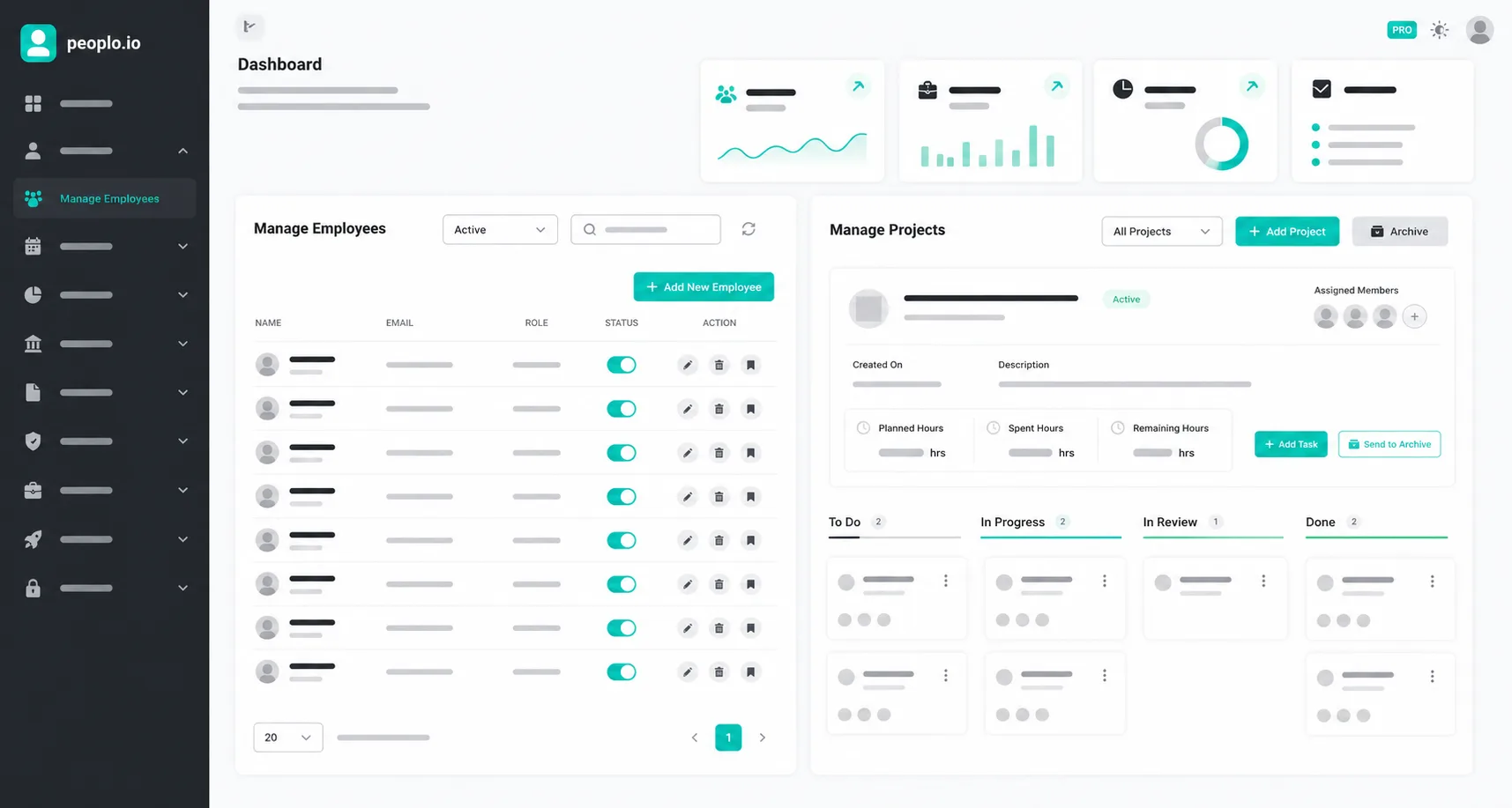
Organize projects with task lists, progress tracking and team collaboration. Assign tasks, set deadlines and watch your team move forward.
Automatic screenshot capture during work sessions. Visual proof of productivity and detailed activity logs create transparency between clients and teams.
Get up and running in minutes with a simple three-step process.
Set up your first project, add team members and define tasks.
Begin tracking time with a single click. Automatic screenshots capture progress.
View real-time progress, team activity and project status.
Instead of paying for a separate employee monitoring tool, get time tracking, screenshots and productivity visibility directly within Peoplo - from ₹1,600+/mo elsewhere to included with your Peoplo plan.
Everything you need to know about Peoplo and how it can help your team grow.
Peoplo Tracker automatically captures time, screenshots and productivity data for remote and hybrid teams - no manual timesheets needed.
Screenshots are captured at set intervals during active tracking sessions, giving a visual log of work alongside time data.
Yes - switch between projects and tasks, and Tracker logs time against each one separately.
Yes - data is encrypted at rest and in transit, and access is limited by role-based permissions.